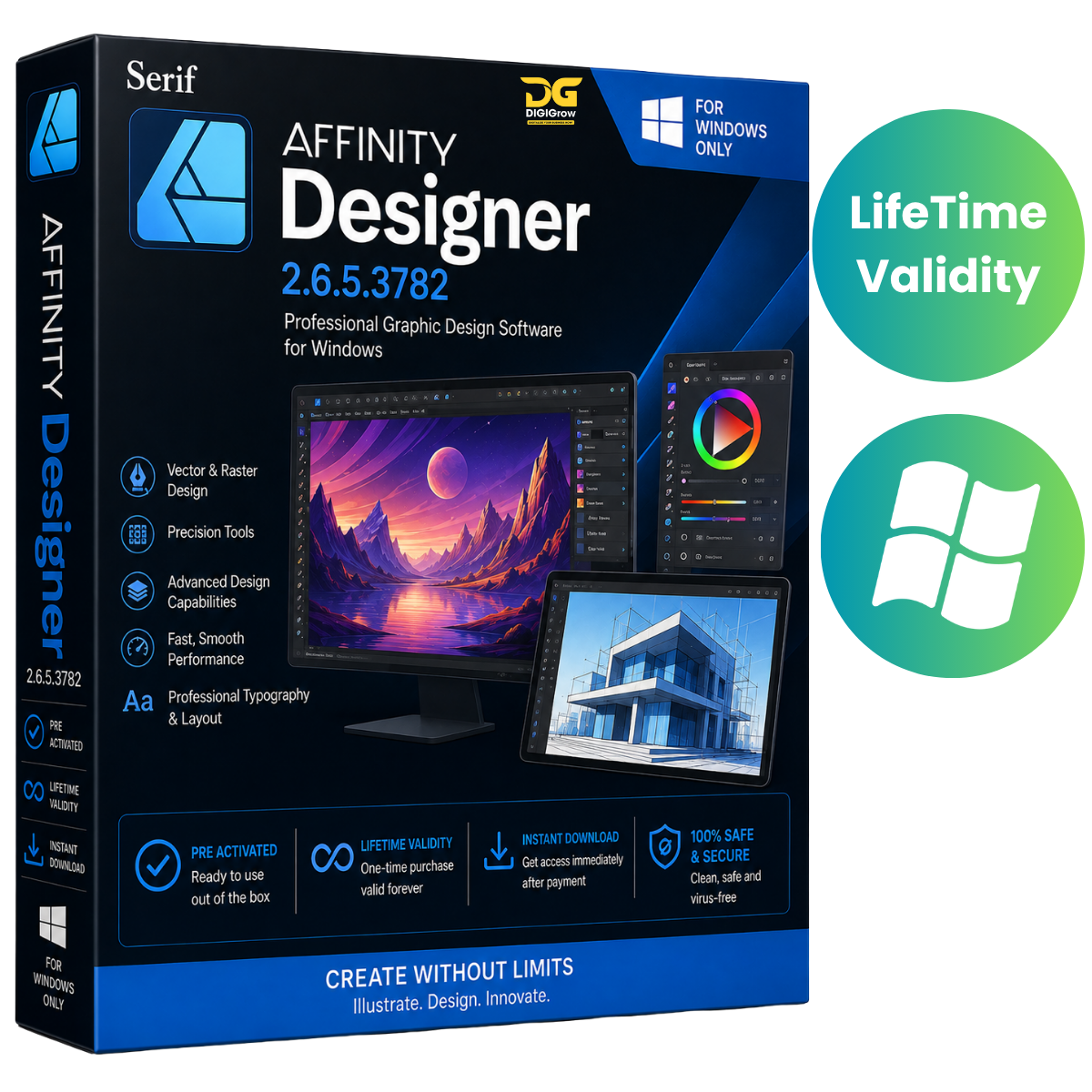
Serif Affinity Designer 2.6.5.3782 – Professional Vector Graphic Design Software
Serif Affinity Designer 2.6.5.3782 is a professional graphic design solution built for illustrators, UI/UX designers, digital artists, and creative professionals. It combines powerful vector and raster design tools in one streamlined application, making it suitable for everything from logos and illustrations to layouts, icons, branding, and digital artwork.
Why Choose DIGIGrow?
- Pre-Activated – Ready to use after installation
- Lifetime Validity – No recurring subscription
- 24×7 Live Support – Assistance whenever you need it
- 100% Money-Back Guarantee – Shop with confidence
- Easy to Install – Simple installation process
- Instant Delivery – Receive your product details quickly
- Installation Video Guide Included – Step-by-step setup assistance
Professional Vector & Raster Design
Affinity Designer brings vector and raster workflows together in a single application. Switch between different design workflows and create detailed artwork without having to move between multiple programs.
Whether you’re creating illustrations, branding materials, interface designs, icons, or digital artwork, you get precise tools and a flexible workspace.
Key Features of Affinity Designer
Vector & Raster Design
Work with both vector and raster graphics in one application for greater flexibility throughout your creative workflow.
Powerful Pen & Shape Tools
Create accurate curves, custom shapes, illustrations, icons, and other graphical elements using professional drawing tools.
Advanced Typography
Take greater control over your text with advanced typography features and OpenType support, making it easier to create professional layouts and branding designs.
Unlimited Artboards
Create multiple artboards within a single project and organize different design variations, concepts, or screen layouts in one workspace.
Custom Grid Systems
Build customized grid systems to maintain accurate alignment and consistency throughout your designs.
Pixel Preview & Export
Preview your artwork at pixel level and prepare designs for precise digital and production-ready output.
Non-Destructive Editing
Use non-destructive layer adjustments and live effects to experiment with your designs while maintaining flexibility throughout the editing process.
Wide File Compatibility
Work with commonly used professional design formats, including:
- PSD
- SVG
- EPS
This makes it easier to incorporate existing design assets into your workflow.
GPU Acceleration
GPU acceleration helps provide smooth performance while working with complex illustrations, detailed artwork, and larger projects on compatible hardware.
What’s New in Version 2.6.5.3782
The 2.6.5.3782 release brings improvements across performance, compatibility, and workflow:
- Improved vector rendering performance
- Faster handling of vector-based artwork
- New brush and vector effect presets
- Enhanced Windows 11 24H2 compatibility
- Refined interface and workflow improvements
- Bug fixes and stability enhancements
Perfect for Creative Professionals
Affinity Designer can be used for a wide range of creative projects, including:
- Digital illustrations
- Vector artwork
- Logo and branding design
- UI/UX design
- Web graphics
- Icons and symbols
- Technical illustrations
- Marketing materials
- Print designs
- Concept artwork
Easy Installation & Setup
Getting started is simple with DIGIGrow. Your purchase includes an installation video guide that provides step-by-step instructions for setting up the software.
If you experience difficulties during installation, our 24×7 Live Support team is available to assist you.
System Requirements
Before installation, make sure your Windows PC meets the following requirements:
Operating System
- Windows 10 or Windows 11
- 64-bit operating system
Processor
- Intel Core i3 / AMD Ryzen 3 or higher
Memory
- Minimum: 4 GB RAM
- Recommended: 8 GB RAM or more
Graphics
- DirectX 12-compatible GPU
- 2 GB VRAM recommended
Storage
- At least 1 GB of available disk space
Display
- Minimum: 1280 × 768
- Recommended: 1920 × 1080 or higher
Installation Guide & FAQs
Need help getting started?
Your purchase includes an installation video guide to make the setup process easier.
For additional installation instructions and frequently asked questions, visit our support resources.
Get Affinity Designer 2.6.5.3782 from DIGIGrow
Create professional vector artwork, illustrations, branding designs, UI layouts, and digital graphics with a powerful and flexible design workflow.
DIGIGrow Benefits
Pre-Activated • Lifetime Valid • Instant Delivery • Easy Installation • Installation Video Guide • 24×7 Live Support • 100% Money-Back Guarantee
Important: Affinity Designer® and Serif® are trademarks of their respective owners. This DIGIGrow listing is not affiliated with or endorsed by Serif.