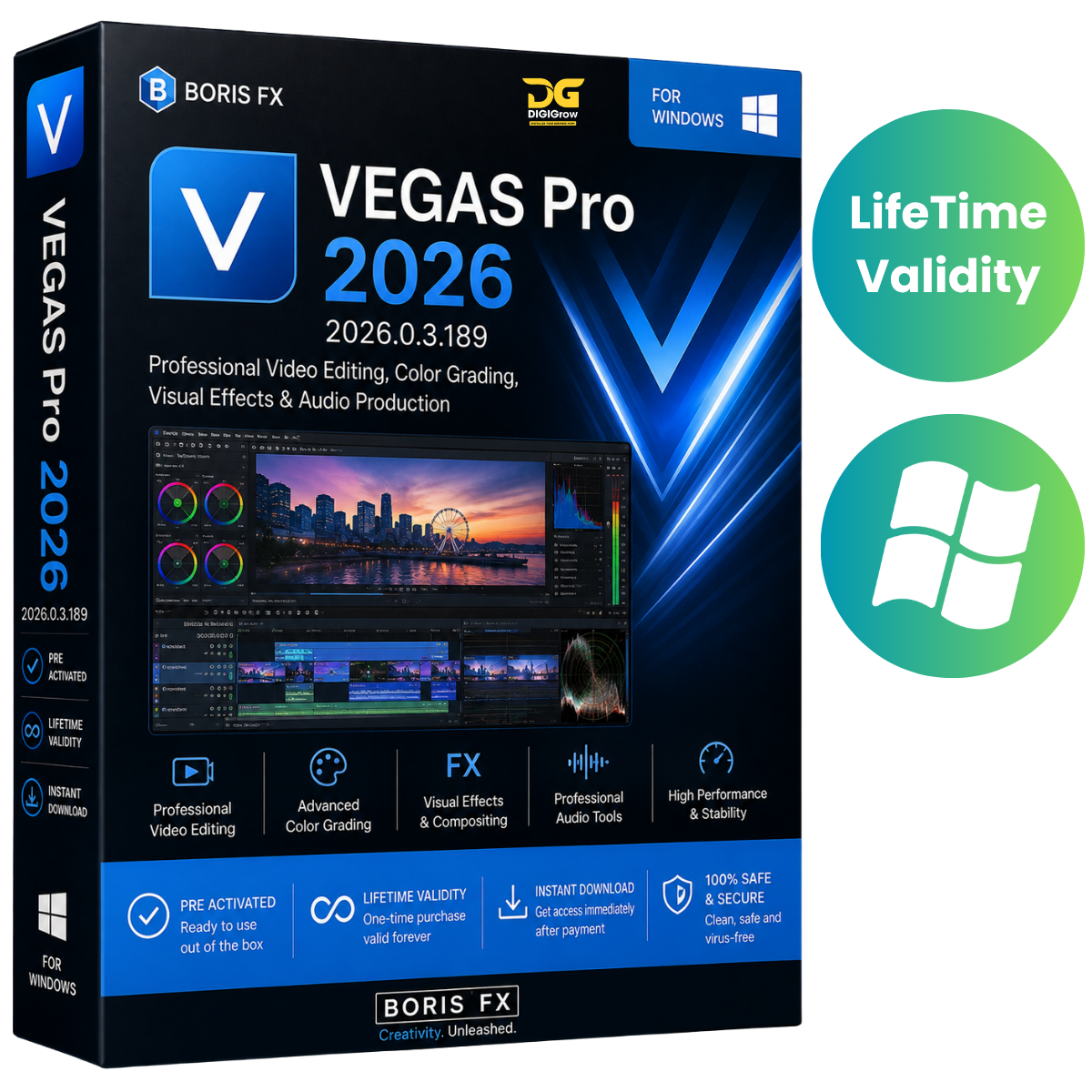
Boris FX VEGAS Pro 2026 – Professional Video Editing Software
Boris FX VEGAS Pro 2026 is a professional non-linear video editing solution built for filmmakers, YouTubers, video editors, and content creators. It combines timeline-based editing, color grading, visual effects, audio production, and media management in a flexible professional workflow.
Whether you’re creating short social media videos, YouTube content, corporate projects, or feature-length productions, VEGAS Pro provides the tools you need to edit and refine your projects efficiently.
Why Choose DIGIGrow?
- Easy to Install
- Instant Delivery
- 24×7 Live Support
- 100% Money-Back Guarantee
- Installation Video Guide Included
- Professional Video Editing Tools
- Windows Compatible
Professional Timeline Video Editing
Work efficiently with an intuitive timeline-based editing workflow. Arrange clips, trim footage, create transitions, add effects, synchronize audio, and build complete video projects from start to finish.
VEGAS Pro supports projects ranging from quick social media content to complex professional productions.
Powerful Color Grading
Take control of your footage with professional color-grading tools positioned conveniently within the editing workflow.
Make detailed adjustments to color, contrast, tone, and overall image appearance while maintaining an efficient editing process.
Smart Masking & Subject Isolation
Use Smart Mask tools to isolate subjects and track selected areas of your footage. This makes it easier to apply targeted effects and adjustments without manually creating complex masks for every frame.
Automatic Video Reframing
Create content for different platforms and aspect ratios with automatic reframing capabilities. Adapt your footage for various video formats while keeping important subjects within the frame.
Professional Visual Effects
Enhance your projects with a wide range of visual effects and customizable effect chains.
Create and save reusable effect combinations as packages, making it easier to apply consistent looks across multiple projects.
Screen, Webcam & Audio Recording
With VEGAS Capture, you can record:
- Screen activity
- Webcam footage
- Audio
- Presentation content
This makes VEGAS Pro useful for tutorials, demonstrations, online content, and other recording-based projects.
Extensive Format Support
Work with a wide range of media formats and resolutions. VEGAS Pro supports workflows from SD through 8K, allowing you to work with everything from everyday video projects to high-resolution professional productions.
The software also supports third-party effects, plugins, and compatible editing hardware.
Professional Audio Tools
Create a complete audio workflow alongside your video editing. VEGAS Pro includes tools for:
- Audio editing
- Audio mixing
- Synchronization
- Multitrack workflows
- Audio effects
- Professional project finishing
What’s New in VEGAS Pro 2026
The 2026 release introduces several improvements and new capabilities, including:
- Continuum Title Pack for advanced 2D and 3D titles
- AVC and HEVC 4:2:2 decoding support on NVIDIA Blackwell hardware
- Updated Z-Depth 2.0
- Native Apple ProRes RAW support
- Improved GPU utilization
- Faster project loading
- Improved timeline responsiveness
- Stability improvements across complex editing workflows
Availability of certain features may depend on the edition, subscription status, hardware, and supported configuration.
System Requirements
Operating System
- Microsoft Windows 11
Processor
- Intel Core i5 8th Gen or newer
- AMD Ryzen 5 1000 series or compatible
RAM
- 16 GB minimum
Storage
- 1.5 GB free disk space
- SSD recommended
Graphics
- NVIDIA GeForce 20-series or compatible
- AMD Radeon with 8 GB+ graphics memory
- Intel HD 630 or compatible
VRAM
- 8 GB minimum recommended
Internet
- Internet connection may be required for account sign-in, product activation, updates, and licensing.
Installation Guide & 24×7 Support
Getting started is easy with DIGIGrow. Your purchase includes an installation video guide to help you through the setup process.
If you experience installation or basic setup issues, our 24×7 live support team is available to assist you.
Get Boris FX VEGAS Pro 2026
Create, edit, enhance, and finish professional video projects with a powerful all-in-one editing environment.
Professional Editing • Color Grading • Visual Effects • Audio Tools • 8K Workflows • Easy Installation • Instant Delivery
DIGIGrow Promise
Easy to Install | Instant Delivery | Installation Video Guide | 24×7 Live Support | 100% Money-Back Guarantee