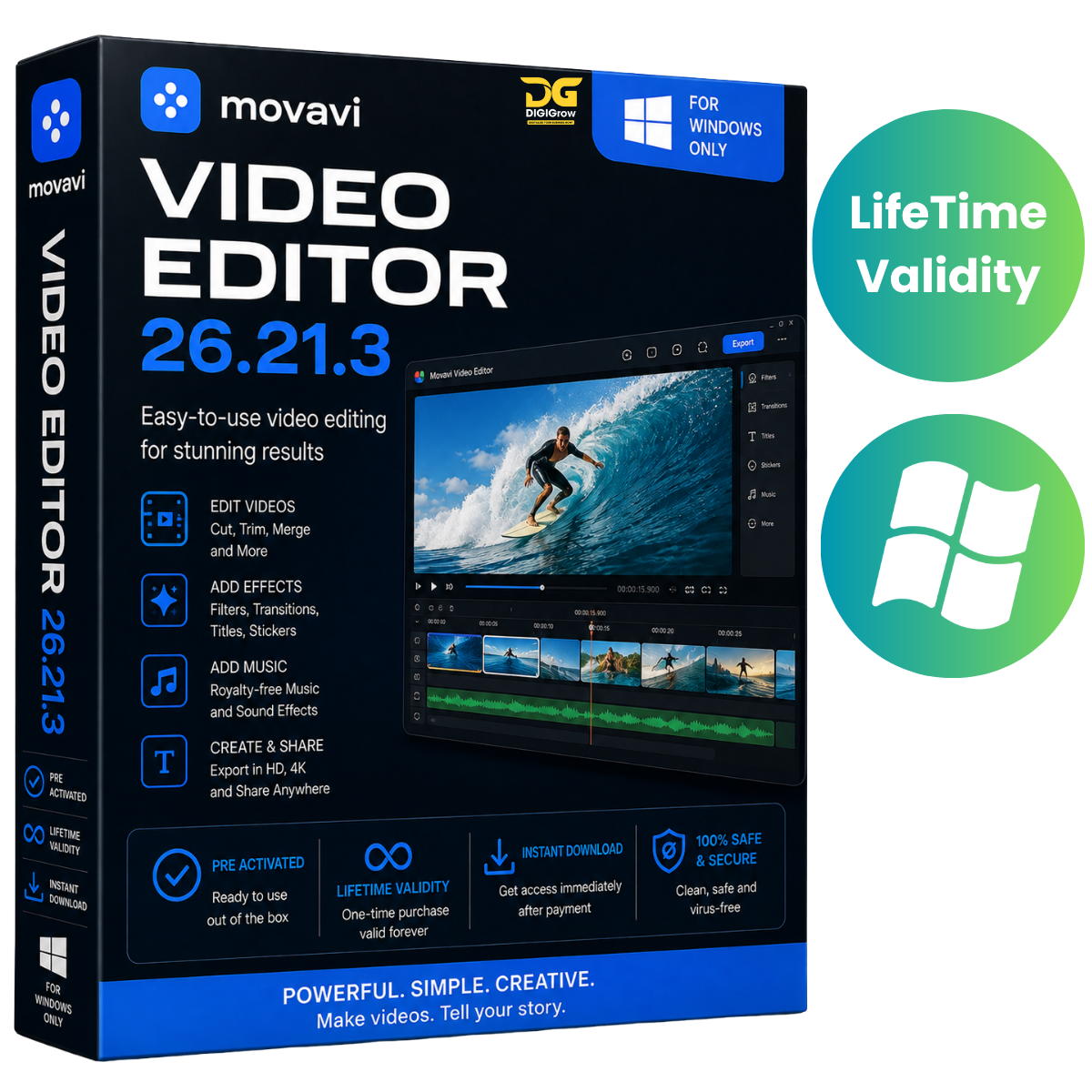
Movavi Video Editor 26.21.3 – Professional Video Editing Software
Movavi Video Editor 26.21.3 is an easy-to-use video editing solution for content creators, YouTubers, educators, businesses, marketers, vloggers, and home users. Its intuitive timeline-based workspace combines powerful editing tools, creative effects, transitions, motion effects, audio editing, and high-resolution export options in one modern application.
Why Choose DIGIGrow?
- Genuine Software License
- Long-Term License Options Available
- 24×7 Live Support
- 100% Money-Back Guarantee — subject to our refund policy
- Easy to Install
- Instant Delivery
- Installation Video Guide Included
Create Professional Videos Easily
Whether you’re creating YouTube content, social media videos, educational lessons, business presentations, advertisements, or family memories, Movavi Video Editor provides an intuitive editing environment that makes video production accessible to beginners and experienced users alike.
Powerful Multi-Track Timeline
Work efficiently with a flexible timeline. Arrange multiple video and audio clips, trim unwanted sections, split footage, crop, rotate, merge clips, and organize your project with precision.
Creative Effects & Transitions
Give your videos a professional appearance with a wide selection of creative tools:
- Video transitions
- Filters
- Overlays
- Motion effects
- Visual effects
- Animated titles
- Captions
- Lower thirds
- Intro and outro sequences
Professional Audio Editing
Enhance your video’s sound using built-in audio tools. Add music, adjust audio tracks, and record voiceovers directly within your project.
Background Removal & Motion Tracking
Use supported editing tools such as background removal and motion tracking to create more advanced video compositions and engaging visual content.
Green Screen / Chroma Key
Create creative compositions using chroma key technology. Replace backgrounds and combine footage for presentations, social media content, tutorials, and creative projects.
High-Resolution Video Support
Work with high-resolution footage, including 4K Ultra HD, and export your finished projects in formats suitable for computers, televisions, smartphones, YouTube, and social media platforms.
Perfect For
Movavi Video Editor is suitable for:
- YouTubers & content creators
- Social media creators
- Teachers & educators
- Businesses & marketers
- Vloggers
- Home users
- Advertising & promotional content
- Video enthusiasts
What’s New in Version 26.21.3?
The 26.21.3 release brings improvements focused on a smoother editing experience:
- Enhanced timeline editing performance
- Improved editing tools
- Optimized GPU hardware acceleration
- Refined effects and workflow
- Improved Windows 10 and Windows 11 compatibility
- Better application stability and responsiveness
- General bug fixes and performance improvements
Easy Installation & Support
Getting started with Movavi Video Editor is simple. DIGIGrow provides an installation video guide to help you through the setup process.
Need assistance? Our 24×7 Live Support team is available to help with installation and basic setup questions.
System Requirements
Operating System
- Windows 10 / Windows 11
- 64-bit recommended
Processor
- Intel Core i5/i7/i9 or AMD Ryzen 5/7/9 equivalent
RAM
- 8 GB minimum
- 16 GB recommended for 4K editing
Storage
- 800 MB available disk space
- SSD recommended for editing projects
Graphics
- DirectX-compatible graphics adapter
- Intel, NVIDIA, or AMD hardware acceleration support
Display
- 1366 × 768 minimum
- Full HD or higher recommended
Get Movavi Video Editor 26.21.3 from DIGIGrow
Create engaging videos without a steep learning curve. From quick social media clips to detailed YouTube projects and professional presentations, Movavi Video Editor gives you the tools you need in one convenient editing environment.
DIGIGrow Benefits
Easy Installation • Instant Delivery • Installation Video Guide • 24×7 Live Support • Money-Back Guarantee
Get Movavi Video Editor 26.21.3 from DIGIGrow and start creating professional-looking videos with an easy-to-use editing workflow.