
Serif Affinity Photo 2.6.5.3782 – Professional Photo Editing Software
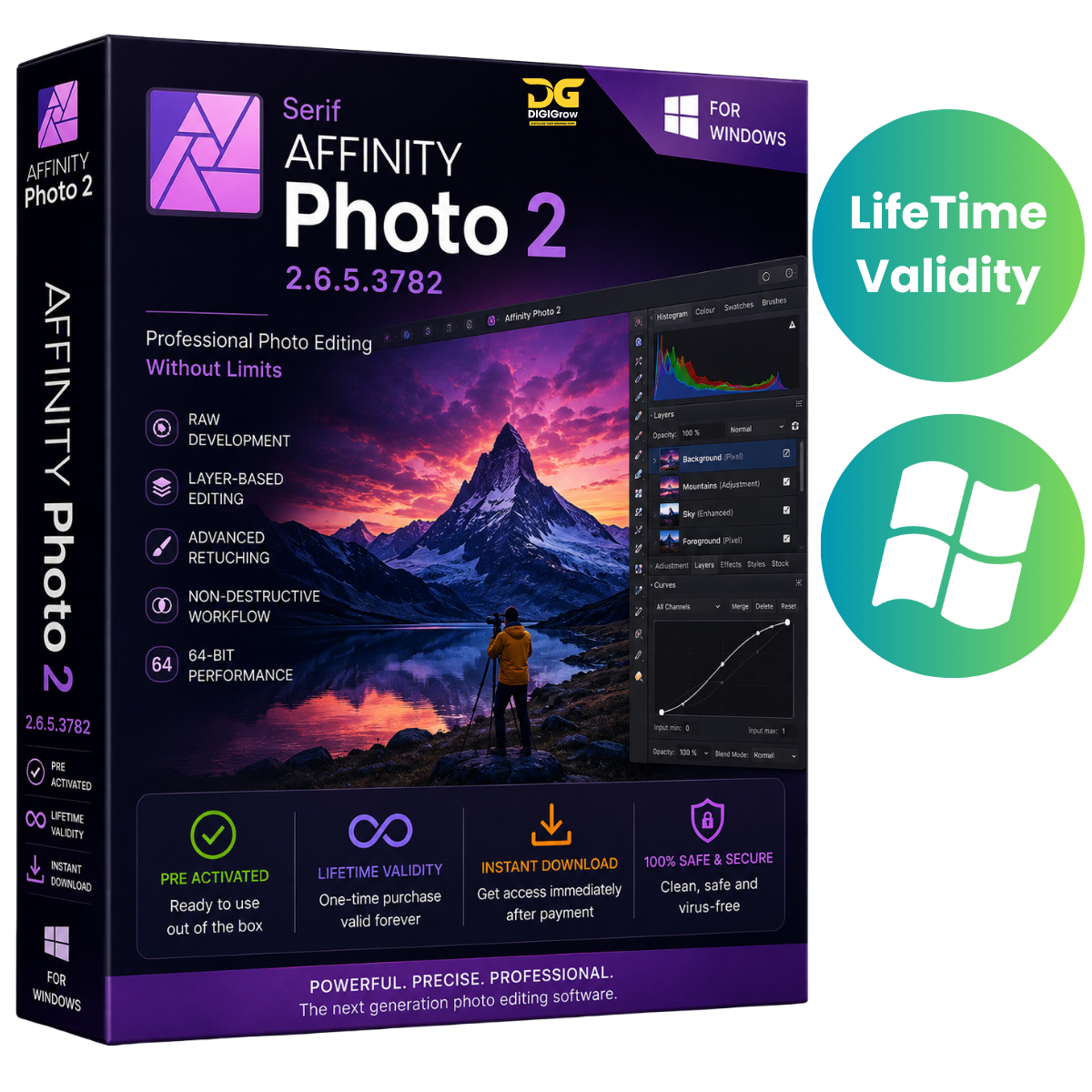
Serif Affinity Photo 2.6.5.3782 is a professional photo editing and creative design solution for Windows, built for photographers, designers, and digital artists. It combines RAW processing, advanced retouching, layer-based editing, HDR workflows, panorama stitching, and powerful adjustment tools in a streamlined workspace.
Why Choose DIGIGrow?
- Pre-Activated
- Lifetime Valid
- 24×7 Live Support
- 100% Money-Back Guarantee
- Easy to Install
- Instant Delivery
- Installation Video Guide Included
Professional Photo Editing Tools
Affinity Photo provides a comprehensive collection of tools for editing, enhancing, and retouching photographs with precision.
Advanced RAW Processing
Work directly with RAW photographs and fine-tune your images using professional editing controls, including:
- RAW image development
- Lens correction
- Exposure adjustments
- White balance
- Color grading
- Detailed tonal adjustments
Professional Retouching
Enhance portraits, landscapes, products, and creative projects with a variety of retouching and selection tools. Work non-destructively using layers, masks, and adjustment workflows.
Layer-Based Editing
Build complex compositions using a flexible layer-based workflow. Combine photographs, graphics, adjustments, masks, and effects while maintaining control over individual elements.
Live Filters & Masks
Apply adjustments and effects using live filters and masks, giving you greater flexibility when refining your photographs and creative compositions.
HDR & Focus Stacking
Create detailed images from multiple photographs with advanced imaging workflows.
- HDR Merge for combining multiple exposures
- Focus Stacking for combining different focus points
- Precise image alignment
- Advanced tonal and exposure control
Panorama Stitching
Create wide-format panoramic photographs by combining multiple images. Automatic alignment helps simplify the process of creating seamless panoramic compositions.
Batch Processing & Macros
Save time when working with multiple images using batch processing capabilities. Create and use macros to automate repetitive editing operations and maintain a consistent workflow.
Extensive File Format Support
Affinity Photo supports a range of popular professional file formats, making it suitable for photography, graphic design, and creative production workflows.
Supported formats include:
- PSD
- SVG
- Raster image formats
- RAW image formats
Windows Performance
Affinity Photo is designed to take advantage of modern Windows hardware and GPU acceleration for demanding photo-editing workflows.
Whether you’re working on individual photographs or larger creative projects, suitable hardware can help provide a smoother editing experience.
Version 2.6.5.3782
Version 2.6.5.3782 includes improvements focused on performance, stability, editing workflows, and overall usability.
Key improvements include:
- Improved RAW processing performance
- Enhanced Windows compatibility
- Additional filters and adjustment options
- Workflow and usability improvements
- Stability improvements and bug fixes
Perfect For
Affinity Photo is suitable for:
- Professional photographers
- Digital artists
- Graphic designers
- Landscape photographers
- Portrait retouchers
- Product photographers
- Content creators
- Creative professionals
Installation Guide & Support
Getting started is easy with DIGIGrow. Your purchase includes an installation video guide to help you through the setup process.
If you need assistance, our 24×7 Live Support team is available to help with installation and basic setup-related questions.
System Requirements
Operating System
- Windows 10 / Windows 11
- 64-bit operating system
Processor
- Intel Core i3 / AMD Ryzen 3 or higher
Memory
- 4 GB RAM minimum
- 8 GB RAM or more recommended
Graphics
- DirectX 12-compatible GPU
- 2 GB VRAM minimum
Storage
- At least 1 GB of available disk space
Display
- Minimum: 1280 × 768
- Recommended: 1920 × 1080 or higher
Get Serif Affinity Photo 2.6.5.3782
Take your photography and creative projects to the next level with powerful RAW processing, professional retouching, layer-based editing, HDR merging, panorama stitching, batch processing, and advanced creative tools.
DIGIGrow Benefits
Pre-Activated • Lifetime Valid • Instant Delivery • Easy Installation • Installation Video Guide • 24×7 Live Support • 100% Money-Back Guarantee
Start creating professional-quality photographs and digital artwork with Serif Affinity Photo 2.6.5.3782.