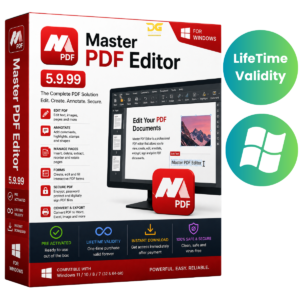
PDF-XChange Pro 11.0.1 – Powerful PDF Editor & Document Management Suite
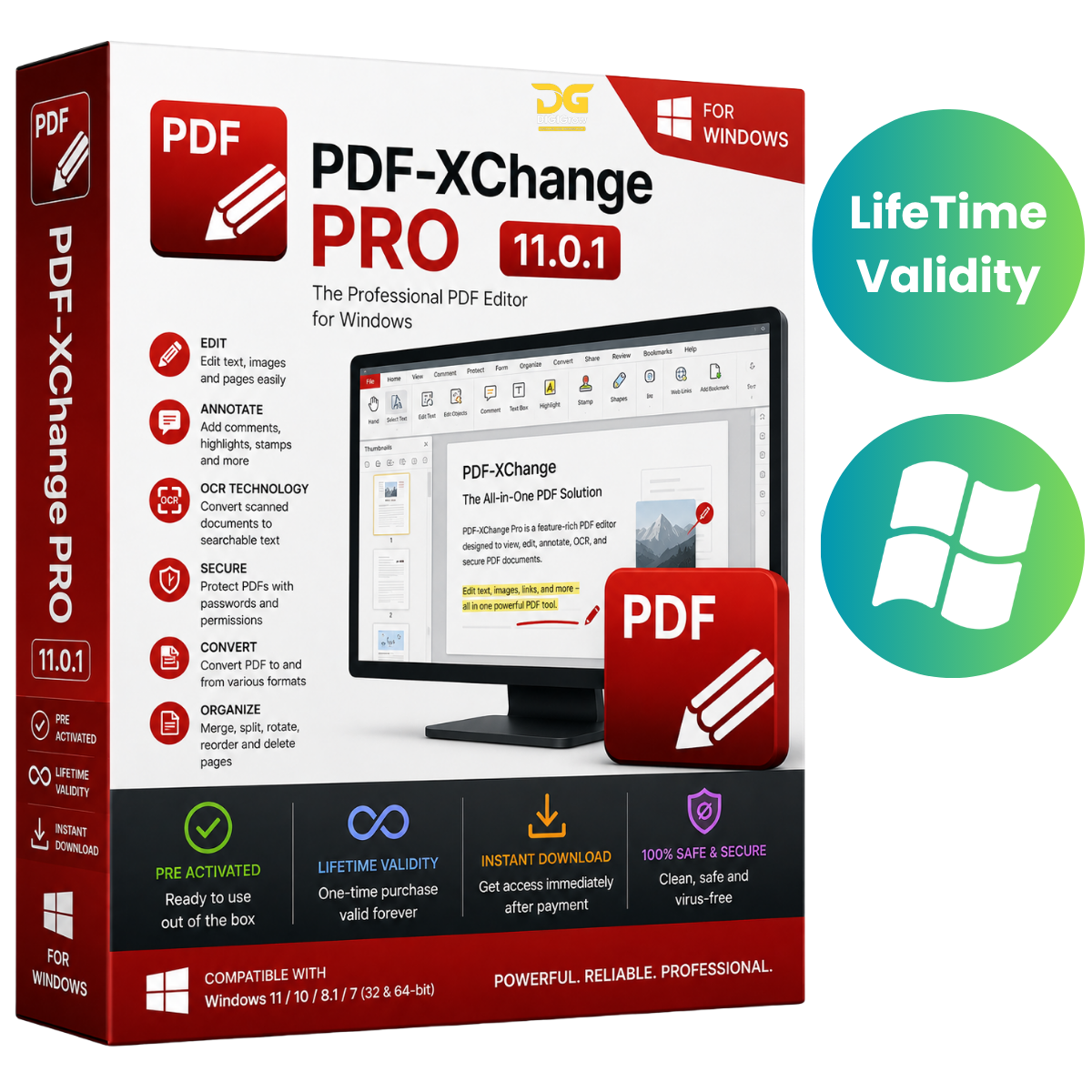
PDF-XChange Pro 11.0.1 is a comprehensive PDF solution designed for professionals, businesses, educators, legal teams, and power users. It combines advanced PDF editing, conversion, OCR, annotation, document creation, and management tools in one powerful package.
The suite includes PDF-XChange Editor Plus, PDF-Tools, and PDF-XChange Standard, providing a complete solution for creating, editing, converting, organizing, securing, and managing PDF documents.
Why Choose DIGIGrow?
- Easy to Install
- Instant Delivery
- 24×7 Live Support
- 100% Money-Back Guarantee — subject to our refund policy
- Installation Video Guide Included
- Professional PDF Software Package
- Legitimate License Support
All-in-One PDF Solution
PDF-XChange Pro brings essential PDF tools together so you can handle everyday document workflows from a single professional suite.
Whether you’re working with contracts, invoices, reports, forms, scanned documents, or technical files, PDF-XChange Pro provides tools for efficient PDF processing.
Key Features
Advanced PDF Editing
Create and modify PDF documents with powerful editing tools. Add or change text, images, objects, and other document elements while maintaining professional layouts.
PDF Conversion
Convert PDF files between commonly used formats, including:
- Microsoft Word
- Microsoft Excel
- Microsoft PowerPoint
- Image formats
- Other supported document formats
OCR for Scanned Documents
Convert scanned documents and image-based PDFs into searchable and editable content using integrated OCR capabilities.
Annotations & Markup
Add professional annotations and markups to your documents, including:
- Comments
- Highlights
- Stamps
- Drawing tools
- Text annotations
- Review markups
Organize PDF Documents
Manage your documents efficiently with tools for:
- Merging PDFs
- Splitting documents
- Compressing files
- Rearranging pages
- Extracting pages
- Organizing PDF content
Forms & Interactive Documents
Create and work with fillable PDF forms and interactive documents for business, education, administration, and other professional workflows.
Document Security
Protect important PDF files using available security features such as:
- Password protection
- Encryption
- Document permissions
- Digital signatures
Batch Processing
Process multiple PDF documents efficiently with batch tools, helping save time when working with large document collections.
What’s New in PDF-XChange Pro 11.0.1
Version 11.0.1 includes improvements focused on performance, document processing, and overall stability, including:
- Enhanced PDF editing responsiveness
- Improved OCR processing
- Optimized document conversion workflows
- Better handling of large and complex PDF files
- Refinements to annotation and collaboration tools
- Improved Windows compatibility
- General bug fixes and stability improvements
Why Choose PDF-XChange Pro?
PDF-XChange Pro combines PDF editing, conversion, OCR, annotation, document management, and security tools into one professional package.
It’s suitable for users who regularly work with business documents, contracts, invoices, reports, forms, scanned files, and other PDF-heavy workflows.
Installation Guide & FAQs
Getting started is easy. DIGIGrow provides an installation video guide to help you through the installation and setup process.
If you need assistance, our 24×7 live support team can help with installation and basic setup questions.
System Requirements
Operating System
- Windows 10 / Windows 11 (64-bit)
Processor
- Intel or AMD Dual-Core processor or equivalent
Memory
- 4 GB RAM minimum
- 8 GB RAM recommended
Storage
- Approximately 2 GB available disk space
Display
- 1366 × 768 or higher recommended
Internet
- Internet connection may be required for activation, updates, and online services.
Get PDF-XChange Pro 11.0.1
Upgrade your PDF workflow with a professional suite built for editing, conversion, OCR, annotation, document organization, and security.