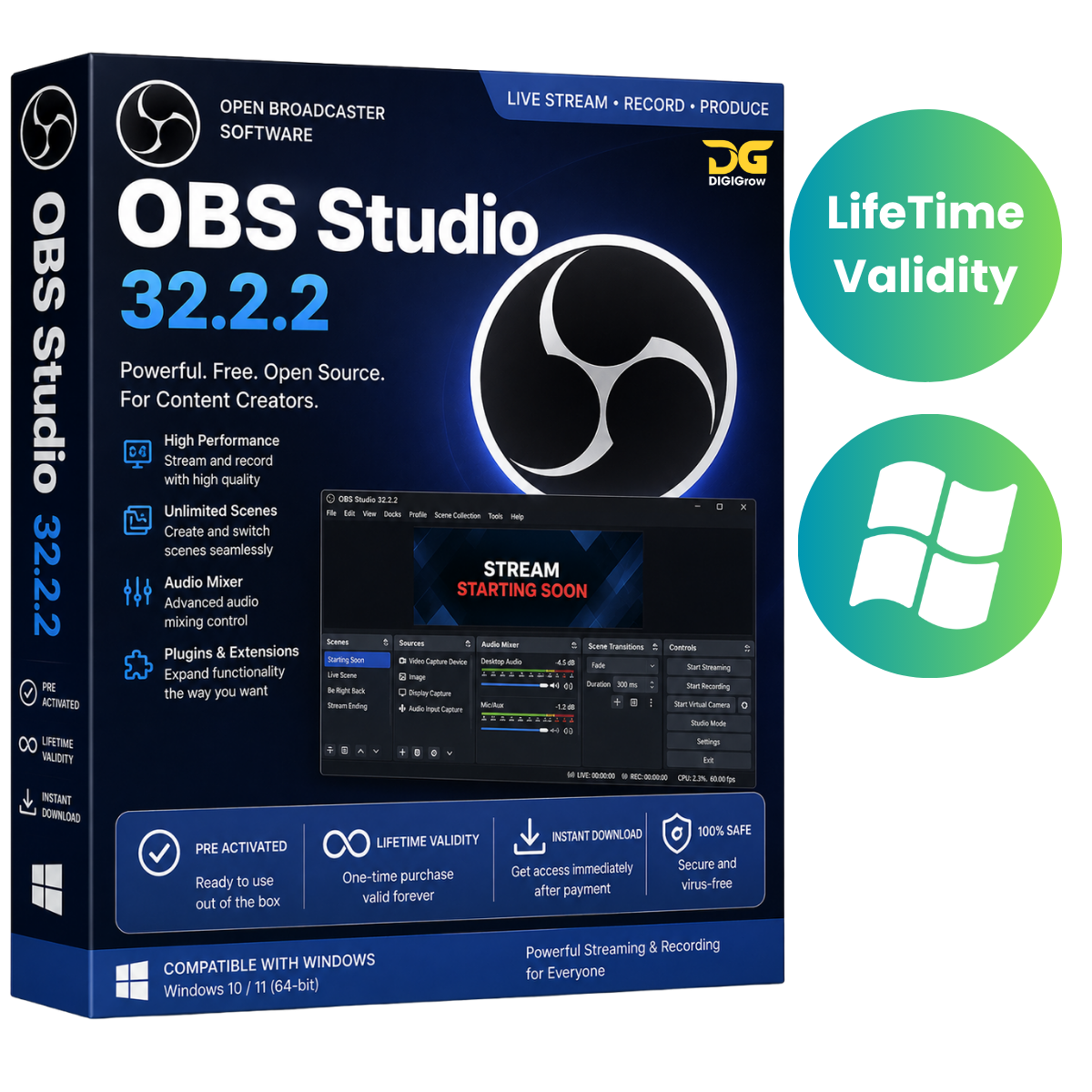
OBS Studio – Professional Recording & Live Streaming Software
OBS Studio is a powerful, free, and open-source application for video recording and live streaming. It allows creators, gamers, educators, developers, businesses, and streamers to capture their screen, camera, microphone, and other media sources in one flexible workspace.
With support for Windows, macOS, and Linux, OBS Studio provides the tools you need to create professional recordings and live broadcasts.
Why Choose DIGIGrow?
- Easy to Install
- Instant Delivery
- 24×7 Live Support
- Installation Video Guide Included
- Step-by-Step Setup Assistance
- Professional OBS Configuration Support
Powerful Recording & Streaming
OBS Studio combines video recording, audio mixing, scene management, and live streaming in a single application.
Create everything from simple screen recordings to multi-source live productions with customizable scenes and transitions.
Key Features of OBS Studio
High-Performance Video & Audio
Capture and mix video and audio in real time with support for multiple sources. Combine your desktop, webcam, microphone, media files, windows, and other supported sources.
Unlimited Scenes
Create and organize an unlimited number of scenes and switch between them smoothly using customizable transitions.
Perfect for:
- Gaming streams
- Tutorials
- Online classes
- Webinars
- Presentations
- Product demonstrations
- Live events
Advanced Audio Mixer
Control audio from individual sources using the built-in mixer.
Available audio controls include:
- Noise Gate
- Noise Suppression
- Gain
- Per-source filters
- VST plugin support
Customizable Sources
Add new sources, duplicate existing sources, and adjust their properties whenever required.
Build your production exactly the way you want with flexible source configuration.
Flexible Interface
The modular Dock interface allows you to arrange your OBS workspace according to your workflow.
You can reposition panels and even pop individual docks out into separate windows.
Powerful Configuration
OBS Studio provides extensive settings for configuring recording, streaming, video, audio, hotkeys, output, and other aspects of your production setup.
Plugins & Scripts
OBS Studio provides an extensible architecture that supports plugins and scripts for additional functionality and workflow customization.
Compatible scripting options include Lua and Python, while native plugins can provide additional integrations.
Perfect for Creators & Professionals
OBS Studio can be used for a wide range of applications:
- YouTube content creation
- Live streaming
- Gaming broadcasts
- Online teaching
- Screen recording
- Software tutorials
- Webinars
- Business presentations
- Product demonstrations
- Podcast and video production
Installation & Setup Support
Getting started with OBS Studio is simple. DIGIGrow provides an installation video guide along with support to help you configure OBS for your requirements.
Whether you need help setting up your camera, microphone, scenes, sources, recording settings, or streaming configuration, our 24×7 live support is available to assist you.
System Requirements
Supported Operating Systems
- Windows 11
- Windows 10
- Windows 8.1
- Windows 7
Memory
- Minimum: 2 GB RAM
- Recommended: 4 GB RAM or more
Storage
- Approximately 800 MB or more of available disk space
Actual requirements may vary depending on your recording resolution, streaming settings, sources, plugins, and hardware configuration.
Get Started with OBS Studio
Create professional recordings and live streams with a flexible production platform trusted by creators around the world.
DIGIGrow Benefits
Easy Installation • Instant Delivery • 24×7 Live Support • Installation Video Guide • Setup Assistance
Note: OBS Studio is free and open-source software. DIGIGrow’s offering covers installation/setup assistance and related support; OBS Studio is not a DIGIGrow-owned product.