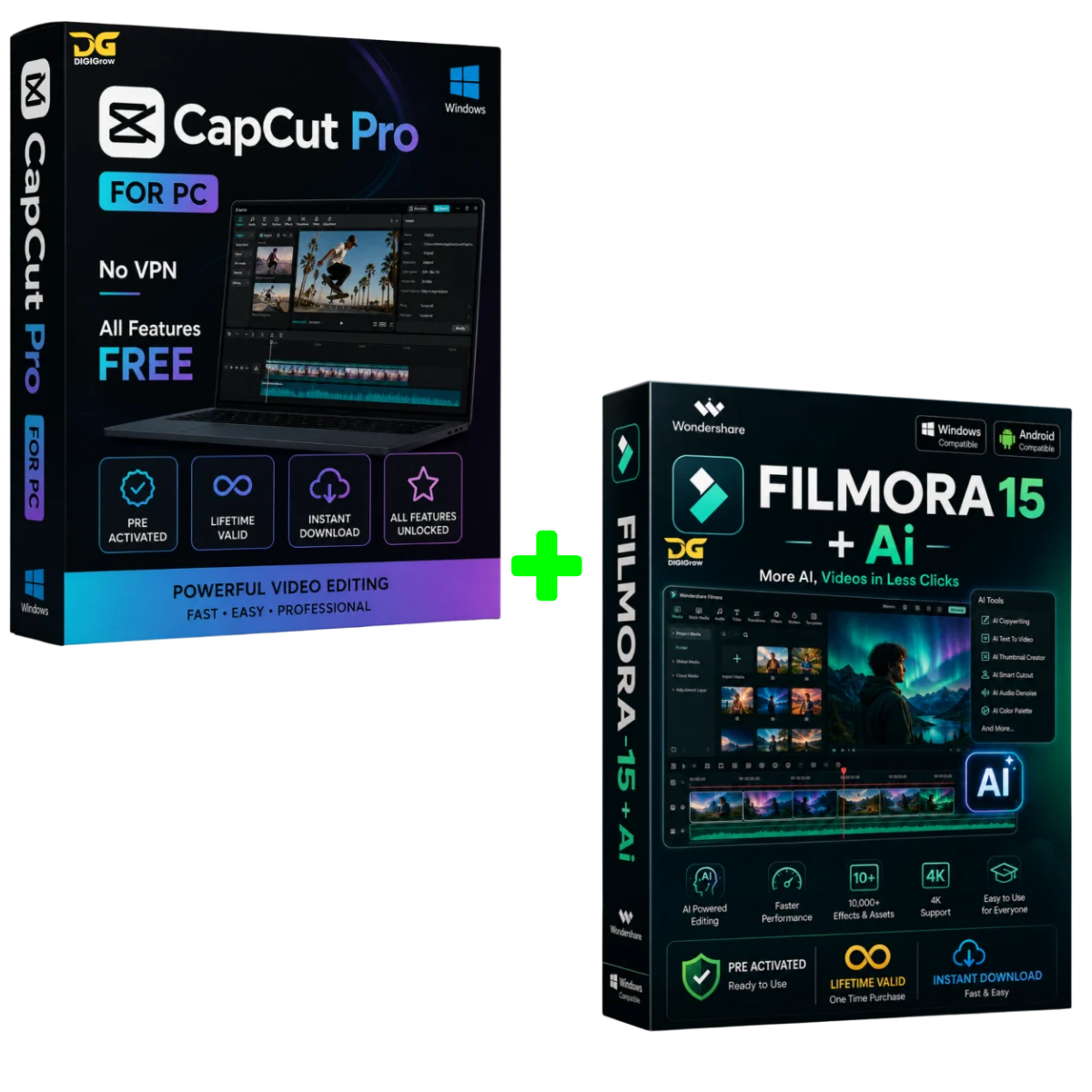
CapCut Pro + Wondershare Filmora 15 Bundle
Two Powerful Video Editors. One Complete Creator Bundle.
Create professional-quality videos, reels, YouTube content, social media videos, tutorials, and more with the CapCut Pro + Wondershare Filmora 15 Bundle.
Get two powerful video editing solutions together with Pre-Activated Software, LifeTime Valid Activation, easy installation, installation video guidance, and 24×7 Live Support.
Bundle Highlights
- Pre-Activated
- LifeTime Valid Activation
- Easy & Quick Installation
- Step-by-Step Installation Video Guide
- 24×7 Live Support
- Instant Digital Delivery
- Windows Support
- Professional Video Editing Tools
- Suitable for Creators, YouTubers and Editors
CAPCUT PRO
CapCut Pro for Windows
Take your video editing to the next level with CapCut Pro for PC.
Enjoy an extensive collection of editing tools, effects, transitions, templates, captions and AI-powered features designed to make professional video creation faster and easier.
CapCut Pro Highlights
- Pre-Activated
- LifeTime Valid Activation
- No VPN Required
- Advanced AI-powered editing tools
- Premium effects, transitions and templates
- Auto captions and text tools
- Professional video editing features
- High-quality video export
- Smooth and fast editing workflow
- Windows PC compatible
What You Get with CapCut Pro
Advanced Editing Tools
Edit videos with professional trimming, cutting, transitions, effects, filters and animation tools.
AI-Powered Features
Access supported AI-based editing tools designed to simplify everyday video creation.
Premium Effects and Templates
Enhance your videos with creative effects, transitions, templates and visual elements.
Auto Captions
Create captions and subtitles quickly for social media, YouTube and other content.
High-Quality Export
Create high-resolution videos suitable for social media, presentations and professional content.
Easy Installation
No complicated setup process.
- Complete your purchase.
- Receive your software and download instructions.
- Follow the step-by-step installation video.
- Install and start creating.
Need help? Our support team is available 24×7.
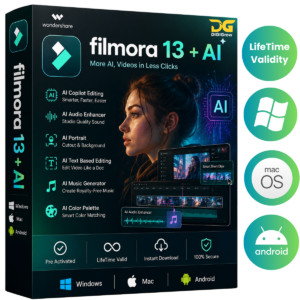
WONDERSHARE FILMORA 15
Fast, Powerful and AI-Enhanced Video Editing
Wondershare Filmora 15 delivers a modern editing experience with powerful tools for creators, YouTubers, freelancers, marketers and professional video editors.
Whether you’re creating YouTube videos, Instagram Reels, tutorials, promotional videos or cinematic projects, Filmora provides an easy-to-use workflow with advanced editing capabilities.
Filmora 15 Highlights
- Pre-Activated
- LifeTime Valid Activation
- Faster rendering and exporting
- Enhanced timeline experience
- Advanced keyframing and motion controls
- Multi-track audio editing
- Screen and webcam recording
- 4K video editing support
- AI-powered editing tools
- Export-ready workflow for social media
- Windows compatible
Next-Generation Editing Features
Faster Rendering and Exporting
Optimized performance helps reduce waiting time when rendering and exporting your projects.
Enhanced Timeline
Enjoy a smoother editing workflow with an improved timeline experience for multi-layer projects.
Advanced Keyframing
Create dynamic animations and precise motion effects with detailed keyframe controls.
Multi-Track Audio Editing
Edit voiceovers, music, commentary and multiple audio tracks within your projects.
Screen and Webcam Recording
Record your screen and webcam for tutorials, presentations, demonstrations and educational content.
4K Editing Support
Work with high-resolution video projects and create content suitable for modern displays and platforms.
WHAT’S INCLUDED IN THE BUNDLE?
When you purchase the CapCut Pro + Filmora 15 Bundle, you receive:
Software
- CapCut Pro
- Wondershare Filmora 15
Activation and Setup
- Pre-Activated Software
- LifeTime Valid Activation
- Easy Installation Process
Installation Assistance
- Step-by-Step Installation Video Guide
- Installation Instructions
- Setup Assistance
Customer Support
- 24×7 Live Support
- Installation Assistance
- Help with common setup issues
Delivery
- Digital Delivery
- Quick Access After Payment
- No Physical Product Required
SYSTEM REQUIREMENTS
CapCut Pro
- Windows PC
- Compatible 64-bit Windows system recommended
- Sufficient storage for software and video projects
- Updated graphics drivers recommended
Filmora 15
- Windows 11 / Windows 10 / compatible Windows systems
- Intel i3 or better multicore processor recommended
- 4 GB RAM minimum
- 16 GB RAM recommended for HD/4K projects
- Compatible Intel, NVIDIA or AMD graphics
- At least 10 GB available storage
- SSD recommended for smoother editing
For the best editing experience, keep Windows, graphics drivers and required system components updated.
WHY BUY THE BUNDLE?
Instead of purchasing two separate editing solutions, get both together in one convenient bundle.
For YouTubers
Create videos, thumbnails, intros, captions and social content.
For Social Media Creators
Create engaging Reels, Shorts, TikTok-style videos and promotional content.
For Freelancers
Handle multiple client projects with powerful editing tools.
For Students and Educators
Create presentations, tutorials, assignments and educational videos.
For Businesses
Produce marketing videos, advertisements, product videos and social media content.
SIMPLE 3-STEP PROCESS
1. MAKE PAYMENT
Complete your order securely through our website.
2. DOWNLOAD
Receive your digital software and installation instructions.
3. INSTALL AND CREATE
Follow the installation video guide and start editing.
SUPPORT YOU CAN COUNT ON
Having trouble during installation?
Don’t worry.
Our support team is available 24×7 to help you with installation and common setup-related questions.
- Installation Video Guide
- 24×7 Live Support
- Step-by-Step Instructions
- Easy Setup Process
FREQUENTLY ASKED QUESTIONS
Is the software pre-activated?
Yes. The bundle is provided as pre-activated software, according to the product’s supplied activation method.
How long is the activation valid?
The product is advertised with LifeTime Valid Activation.
Is an installation guide included?
Yes. You receive a step-by-step installation video guide to help you complete the setup.
Do I need technical knowledge?
No. The installation process is designed to be easy to follow, and support is available if you need assistance.
Is customer support available?
Yes. 24×7 Live Support is available for installation and common product-related assistance.
Is this a physical product?
No. This is a digital software product. No physical package will be shipped.
Can I use the software for professional projects?
The available features can be used for video creation and editing. However, users should review the applicable software licensing terms for their intended commercial use.
What if I face an installation problem?
Contact our support team. We can guide you through the installation process and troubleshoot common setup issues.
GET THE COMPLETE VIDEO EDITING BUNDLE TODAY
CapCut Pro + Wondershare Filmora 15
Two powerful video editing solutions.
One convenient bundle.
Pre-Activated
LifeTime Valid Activation
Easy Installation
Installation Video Guide
24×7 Live Support
Instant Digital Delivery
ORDER NOW AND START CREATING
Create. Edit. Enhance. Publish.
Your complete video editing toolkit is ready.