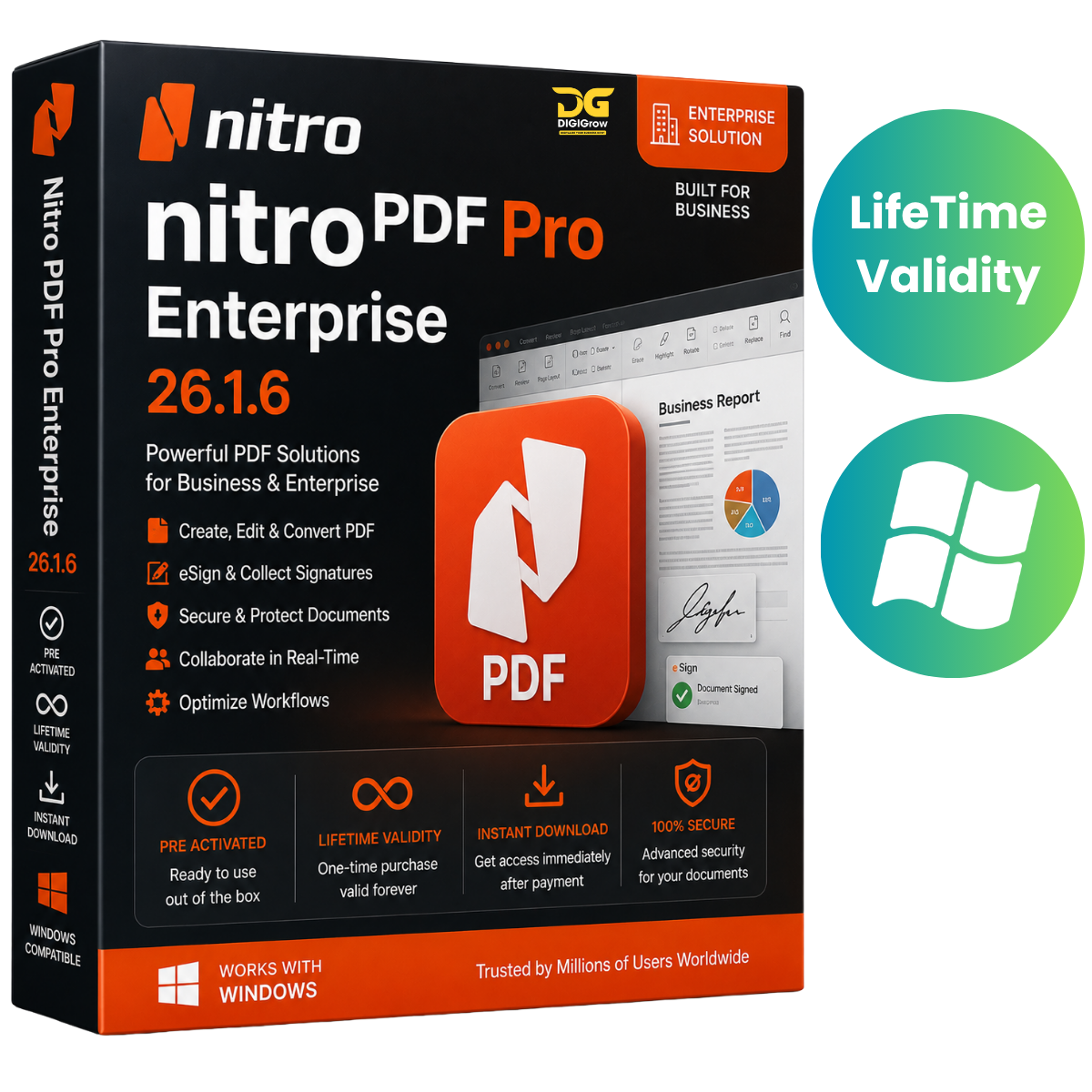
Nitro PDF Pro Enterprise 26.1.6 – Professional PDF Editing & Document Management
Nitro PDF Pro Enterprise 26.1.6 is a comprehensive PDF productivity solution designed for businesses, enterprises, legal professionals, educators, government organizations, and everyday users. Create, edit, convert, organize, secure, review, and sign PDF documents from one powerful application.
Why Choose DIGIGrow?
- Pre-Activated
- Lifetime Validity
- 24×7 Live Support
- 100% Money-Back Guarantee
- Easy to Install
- Instant Delivery
- Installation Video Guide Included
Complete PDF Editing Solution
Nitro PDF Pro Enterprise provides professional tools for working with PDF documents throughout your workflow. Edit existing documents, create new PDFs, convert files, manage pages, add annotations, complete forms, and protect sensitive information.
Professional PDF Editing
Edit the content and appearance of your PDF documents with tools for:
- Text editing
- Image editing
- Hyperlinks
- Headers and footers
- Page layouts
- Document formatting
Convert PDFs to Popular Formats
Convert PDF documents to and from commonly used Microsoft Office formats, including:
- Microsoft Word
- Microsoft Excel
- Microsoft PowerPoint
- Other supported document formats
Make it easier to move information between PDF and office-document workflows.
OCR for Scanned Documents
Use OCR (Optical Character Recognition) to convert scanned documents into searchable and editable text. This is useful for digitizing paper documents, scanned contracts, reports, invoices, and other business records.
Complete Page Management
Organize PDF pages quickly with tools to:
- Merge documents
- Split PDFs
- Rotate pages
- Crop pages
- Reorder pages
- Extract pages
PDF Forms
Create, edit, and fill interactive PDF forms for business processes, applications, surveys, internal documents, and other workflows.
Comments & Collaboration
Review documents using professional annotation tools such as:
- Comments
- Highlights
- Stamps
- Annotations
- Review notes
These tools make document review and collaboration easier for teams and organizations.
PDF Security
Protect important documents using available security features, including:
- Password protection
- Encryption
- Document permissions
- Digital signatures
Help keep confidential business, legal, financial, and personal documents protected.
Electronic Signatures
Support digital document workflows with electronic signature capabilities for document approvals, agreements, forms, and other business processes.
What’s New in Nitro PDF Pro Enterprise 26.1.6?
Version 26.1.6 includes improvements focused on performance, document handling, and workflow efficiency:
- Enhanced PDF editing performance
- Improved OCR recognition accuracy
- Optimized document conversion
- Refined collaboration and review tools
- Enhanced document security capabilities
- Improved electronic signature functionality
- Better compatibility with Windows 10 and Windows 11
- General stability improvements and bug fixes
Ideal for Professional Workflows
Nitro PDF Pro Enterprise can be useful for a wide range of professional environments, including:
- Businesses and enterprises
- Legal offices
- Finance departments
- Educational institutions
- Government organizations
- Administrative teams
- Professional document workflows
Create and manage contracts, invoices, reports, forms, agreements, presentations, and other important PDF documents from a single application.
Installation Guide & FAQs
Getting started is easy with DIGIGrow. Your purchase includes an installation video guide to help you through the installation process.
If you need assistance, our 24×7 live support team is available to help with installation and basic setup.
System Requirements
- Operating System: Windows 10 / Windows 11 (64-bit)
- Processor: Intel Core i5/i7/i9 or equivalent AMD Ryzen processor
- RAM: 8 GB minimum; 16 GB recommended
- Storage: 2 GB available disk space
- Display: 1366 × 768 or higher; Full HD recommended
- Internet: Internet connection may be required for certain online features, updates, and connected services
Get Nitro PDF Pro Enterprise 26.1.6
Take control of your PDF workflow with professional tools for editing, converting, organizing, reviewing, securing, and signing documents.
DIGIGrow Benefits
Pre-Activated • Lifetime Validity • Instant Delivery • Easy Installation • Installation Video Guide • 24×7 Live Support • 100% Money-Back Guarantee
Version: Nitro PDF Pro Enterprise 26.1.6
Platform: Windows 10 & Windows 11 (64-bit)