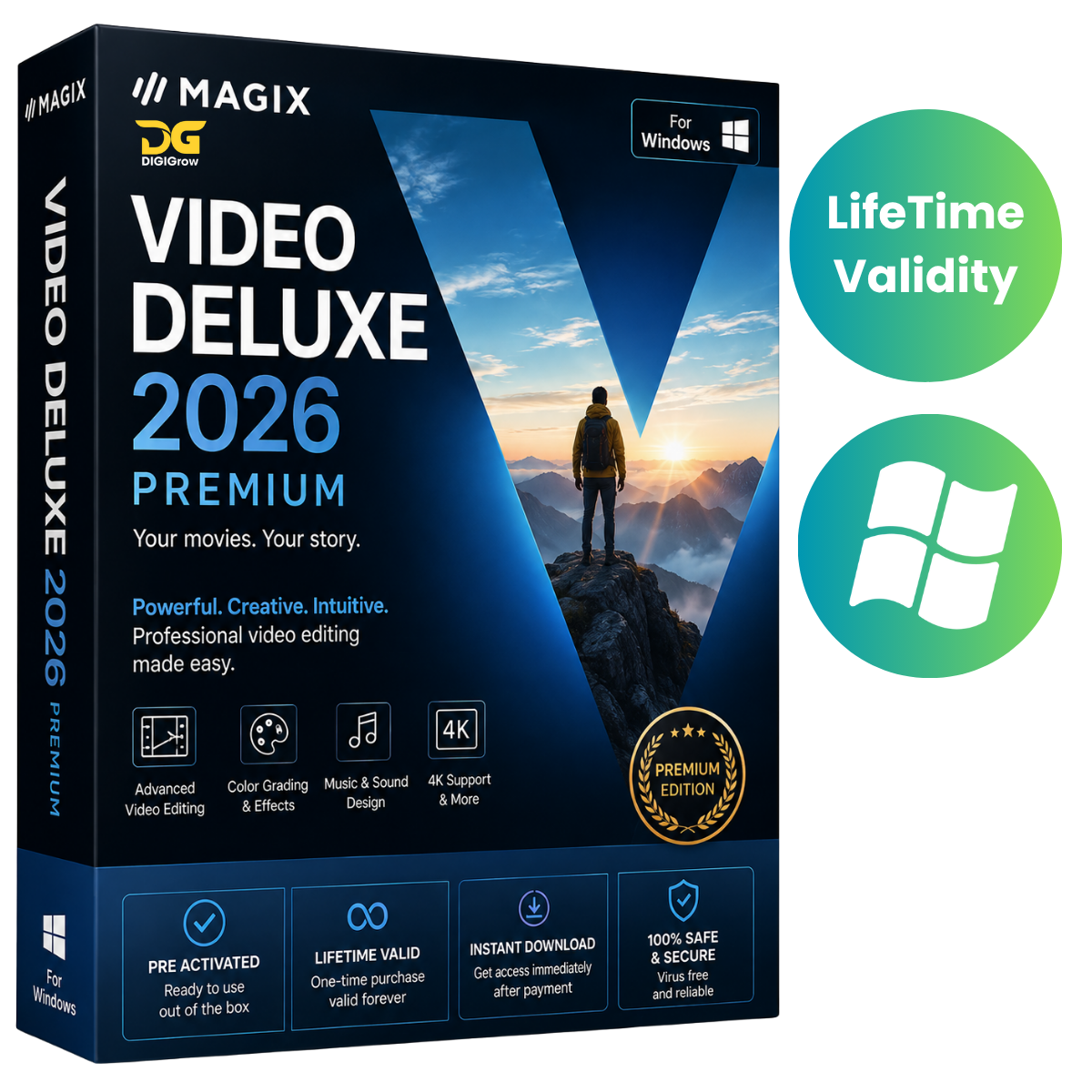
MAGIX Video Deluxe 2026 Premium – Pre-Activated Video Editing Software
MAGIX Video Deluxe 2026 Premium is a powerful and easy-to-use video editing solution for Windows. Create professional-looking videos for YouTube, social media, personal projects, tutorials, and more with advanced timeline editing, visual effects, transitions, audio tools, and high-resolution video support.
DIGIGrow Benefits
- Pre-Activated
- LifeTime Valid
- 24×7 Live Support
- 100% Money Back Guarantee
- Easy to Install
- Instant Delivery
- Installation Video Guide Included
MAGIX Video Deluxe 2026 Premium Features
- Multi-track timeline video editing
- Advanced visual effects and transitions
- High-resolution video editing
- Real-time preview and rendering
- Professional audio editing and synchronization
- Multiple video export formats
- Smooth workflow for content creators
- Beginner-friendly interface with advanced editing tools
- Green screen / chroma key editing
- Built-in presets, templates, and creative effects
- AI-assisted editing and smart tools
- Subtitle and accessibility features
Easy Video Editing for Everyone
MAGIX Video Deluxe 2026 Premium combines a clean interface with powerful editing features. Beginners can quickly start editing using simple drag-and-drop tools, while experienced editors can take advantage of advanced timeline controls and detailed editing options.
Choose between a quick storyboard workflow or a more advanced timeline-based editing environment depending on your project.
Creative Effects & Transitions
Give your videos a professional finish with built-in transitions, visual effects, cinematic filters, light effects, fades, and other creative tools.
The green screen/chroma key feature also makes it easy to replace backgrounds and create engaging visual compositions.
Professional Audio Editing
Enhance your videos with music, voiceovers, sound effects, and synchronized audio. Multi-track editing makes it easy to combine video and audio elements and create polished final productions.
Smooth & Efficient Workflow
MAGIX Video Deluxe is designed for a smooth editing experience. Import your media, arrange clips on the timeline, add effects and transitions, edit audio, and export your finished video with an intuitive workflow.
It is suitable for:
- YouTube creators
- Social media content creators
- Vloggers
- Video editors
- Students
- Freelancers
- Businesses
- Personal video projects
Version 2026 Premium
The 2026 Premium edition focuses on improved performance, editing workflow, effects, compatibility, and overall stability.
Version: 25.0.1.318
What’s New
- Improved rendering performance
- Enhanced video effects and transitions
- Optimized compatibility with newer Windows updates
- Refined editing workflow and interface
- General stability and usability improvements
System Requirements
Operating System: Windows 10 / Windows 11 (64-bit)
Processor: Intel/AMD multi-core processor
RAM: 8 GB minimum; 16 GB recommended
Storage: At least 2 GB free space for installation
Graphics: GPU acceleration recommended for video rendering
For demanding projects and high-resolution video editing, a more powerful processor, additional RAM, and a compatible dedicated GPU are recommended.
Get MAGIX Video Deluxe 2026 Premium for Windows from DIGIGrow and start creating professional-quality videos with powerful editing tools and an easy-to-use workflow.