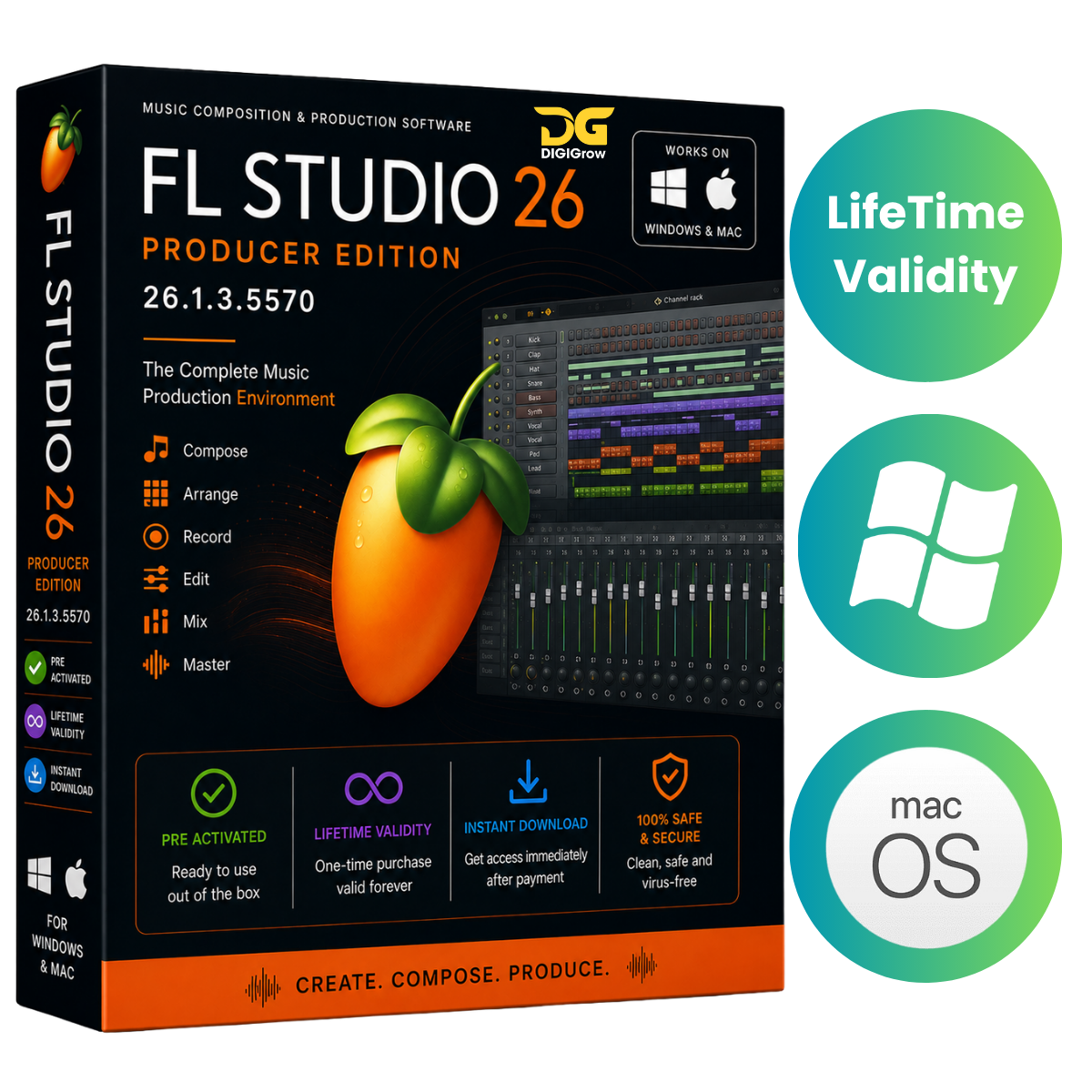
FL Studio 26.1.3 – Professional Music Production Software
FL Studio is a complete Digital Audio Workstation (DAW) for music production, beat making, recording, editing, mixing, and mastering. It provides a flexible workspace where producers, musicians, beat makers, vocalists, and audio creators can turn musical ideas into complete productions.
Whether you’re creating electronic music, hip-hop, vocals, remixes, beats, or full studio productions, FL Studio provides the tools you need to compose, arrange, record, edit, mix, and master your projects.
Why Choose DIGIGrow?
- Easy to Install
- Instant Delivery
- 24×7 Live Support
- 100% Money-Back Guarantee — subject to our refund policy
- Installation Video Guide Included
- Windows & Mac Versions Available
- Official Licensing Support
FL Studio 26.1.3 – Complete Music Production Environment
FL Studio brings together powerful production tools in one streamlined workspace.
Piano Roll
The Piano Roll provides detailed MIDI editing and composition capabilities for creating:
- Melodies
- Chords
- Basslines
- Drum patterns
- MIDI performances
- Complex musical arrangements
Channel Rack
Use the Channel Rack to organize instruments, samples, and patterns. It provides a convenient workflow for creating drum sequences, patterns, and layered productions.
Playlist
Arrange your complete production using the Playlist. Add patterns, audio clips, automation, and other elements to build complete songs and arrangements.
Mixer
The integrated Mixer provides professional tools for:
- Audio routing
- Effects processing
- Volume control
- Automation
- Mixing
- Mastering
Professional Music Production Features
FL Studio includes a wide range of instruments, effects, creative tools, and sounds for developing your productions.
Key capabilities include:
- Multi-track audio recording
- Audio editing
- Time stretching
- Pitch shifting
- MIDI recording and control
- VST plugin support
- Third-party instrument and effects support
- Automation recording and editing
- Sample and loop management
- Audio clip editing
- Pattern and linear workflows
- Browser and Playlist
- Professional mixing tools
- Video rendering
- MIDI controller support
- MIDI keyboard and drum-pad integration
Advanced Automation
Automate parameters throughout your project, including volume, effects, plugin controls, and other supported settings. Create detailed transitions and dynamic changes across your arrangements.
External Plugin Support
Expand your production environment with compatible third-party virtual instruments and audio effects using supported plugin formats.
Audio Recording
Record external audio sources such as vocals, instruments, and other audio signals directly into your projects and incorporate them into your arrangements.
FL Cloud Integration
Supported FL Cloud functionality provides additional resources and services for creators, helping streamline different parts of the music-production workflow.
FL Studio 26.1.3 Updates
The 26.1.3 release includes improvements across the production environment, including:
- Additional Plugin and Plugin Database options in the Channel Rack Replace menu
- New visual analysis modes for FLEX
- Improved Gopher control performance
- Faster video export performance in ZGameEditor Visualizer
- Updated Spout library on Windows
- Improved chord-detection text behavior
- MIDI scripting support for identifying empty FPC pads
- Step Sequencer scripting improvements
- Improved Windows ARM crash diagnostics
- Improvements to Remix downbeat detection
- MIDI synchronization improvements
- Automation recording fixes with precount enabled
- Stability improvements across FLEX 2, Patcher, Browser, MIDI scripting, FLKey 2, and other components
FL Studio for Windows & Mac
Windows Version
FL Studio 26.1.3 is available for compatible Windows systems.
macOS Version
Image-Line FL Studio 26.1.4.5356 for Mac is also available for compatible Mac computers.
The Mac version supports modern macOS systems and provides the familiar FL Studio production environment for Apple users.
System Requirements – Windows
- Operating System: Windows 10 or Windows 11
- Processor: 2 GHz CPU with SSE2 support
- RAM: 4 GB minimum
- Recommended RAM: 8–16 GB
- Storage: 4 GB free disk space minimum
- Recommended Storage: SSD
- CPU Support: Intel and AMD
- ARM: Not supported
System Requirements – macOS
- Operating System: macOS 10.13.6 or later
- Compatible Mac hardware required
For larger projects, multiple plugins, and extensive sample libraries, additional RAM and SSD storage are recommended.
Over 80 Plugins & Production Tools
FL Studio includes a large collection of instruments, effects, and production tools. Use them to create beats, melodies, arrangements, vocal productions, sound designs, mixes, and complete tracks.
Installation Guide & 24×7 Support
Getting started is simple with DIGIGrow. Your purchase includes an installation video guide to help you through the setup process.
If you need assistance during installation or setup, our 24×7 Live Support team is available to help.
Get FL Studio from DIGIGrow
Turn your musical ideas into complete productions with a powerful DAW designed for beat making, recording, arranging, editing, mixing, and mastering.
Available for Windows & Mac
FL Studio, Image-Line, and related trademarks belong to their respective owners. This product description is for informational purposes and does not imply affiliation with or endorsement by Image-Line unless expressly stated.