Download
- Adobe Media Encoder 2025 v25.1 (ARM).dmg | Backup | Backup2
- Adobe Media Encoder 2025 v25.1 (Intel).dmg | Backup | Backup2
- Adobe Media Encoder 2025 v25.0.dmg | OneDrive | Backup | Backup2
How to install
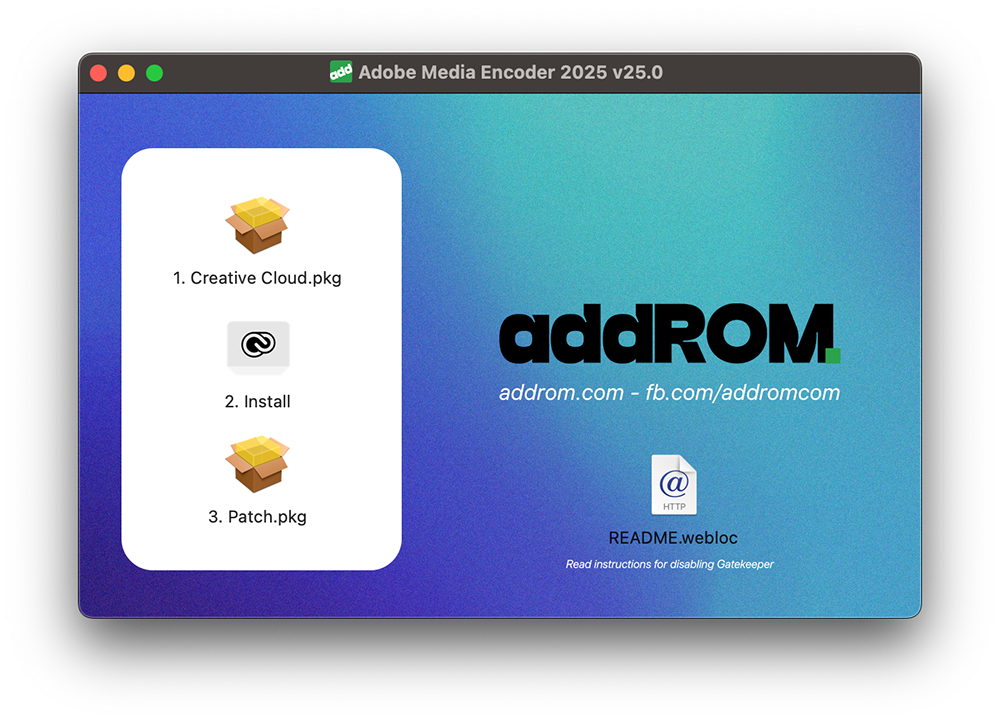
Run the installation file in order 1 to 3. Of course your Mac must have Gatekeeper disabled.
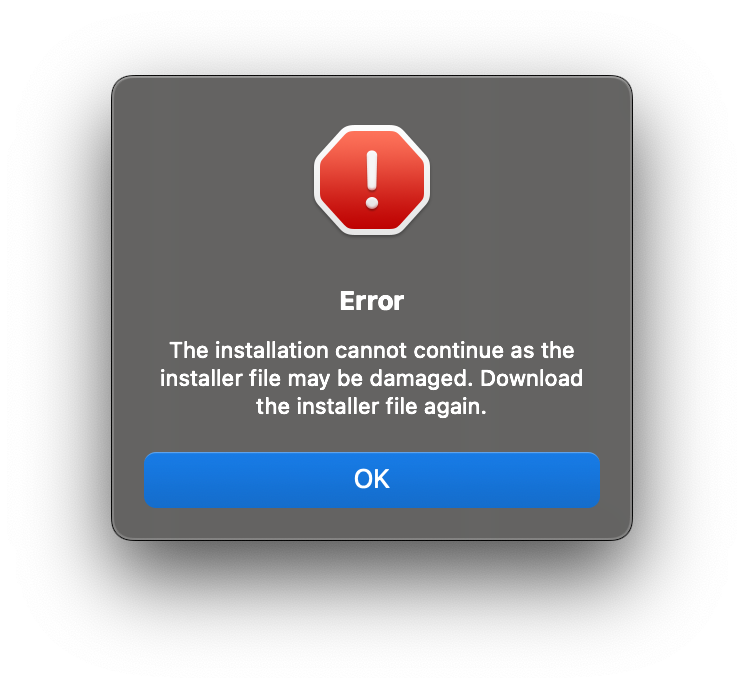
If you run the installation file, you will get an error as shown below.
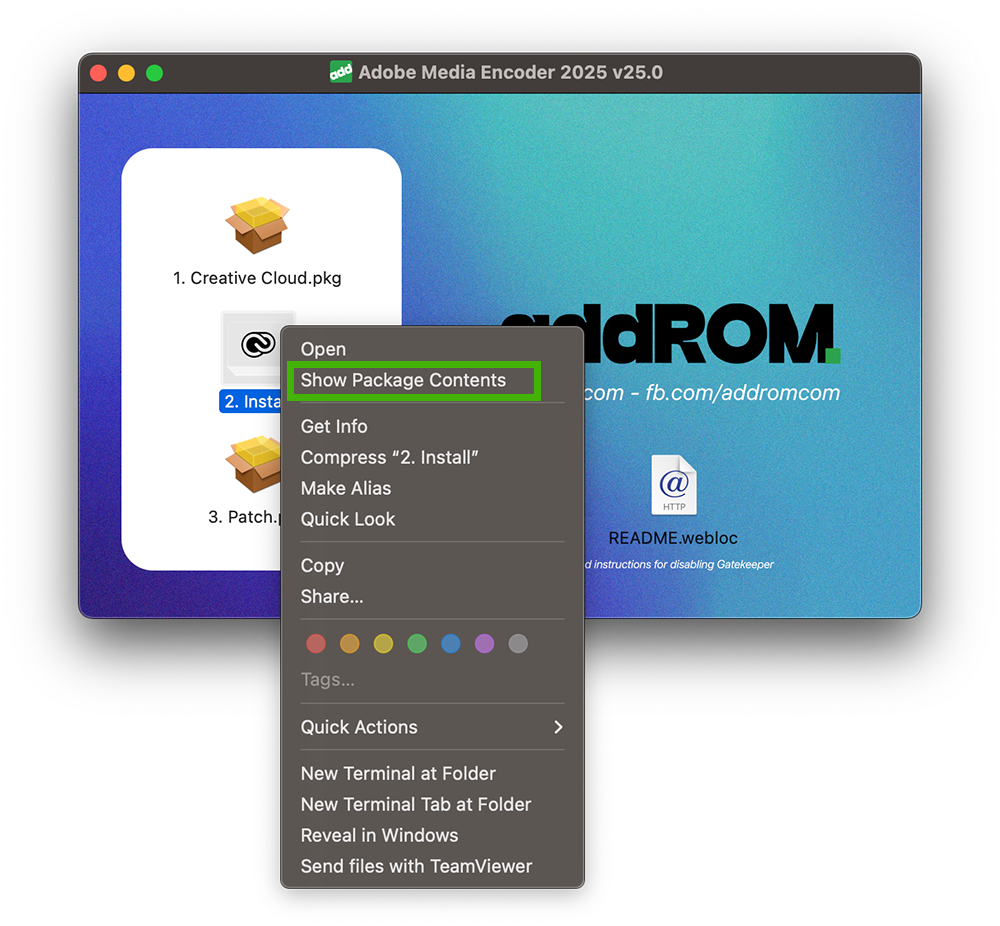
Reopen the installer, right-click on File Install> Select Show Package Contents > Contents > MacOS > Run the Install file
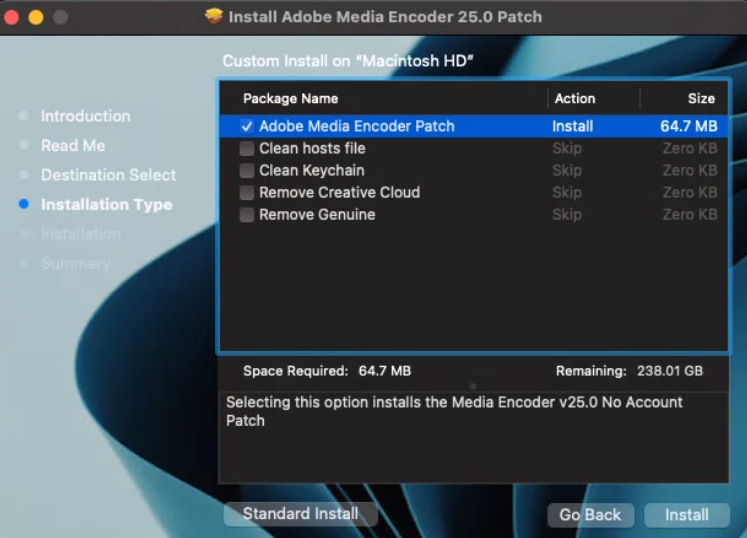
Then run the Patch file. When running, select as shown. Anyone who has previously installed many different versions from many different sources, stick it in the Clean hosts file.