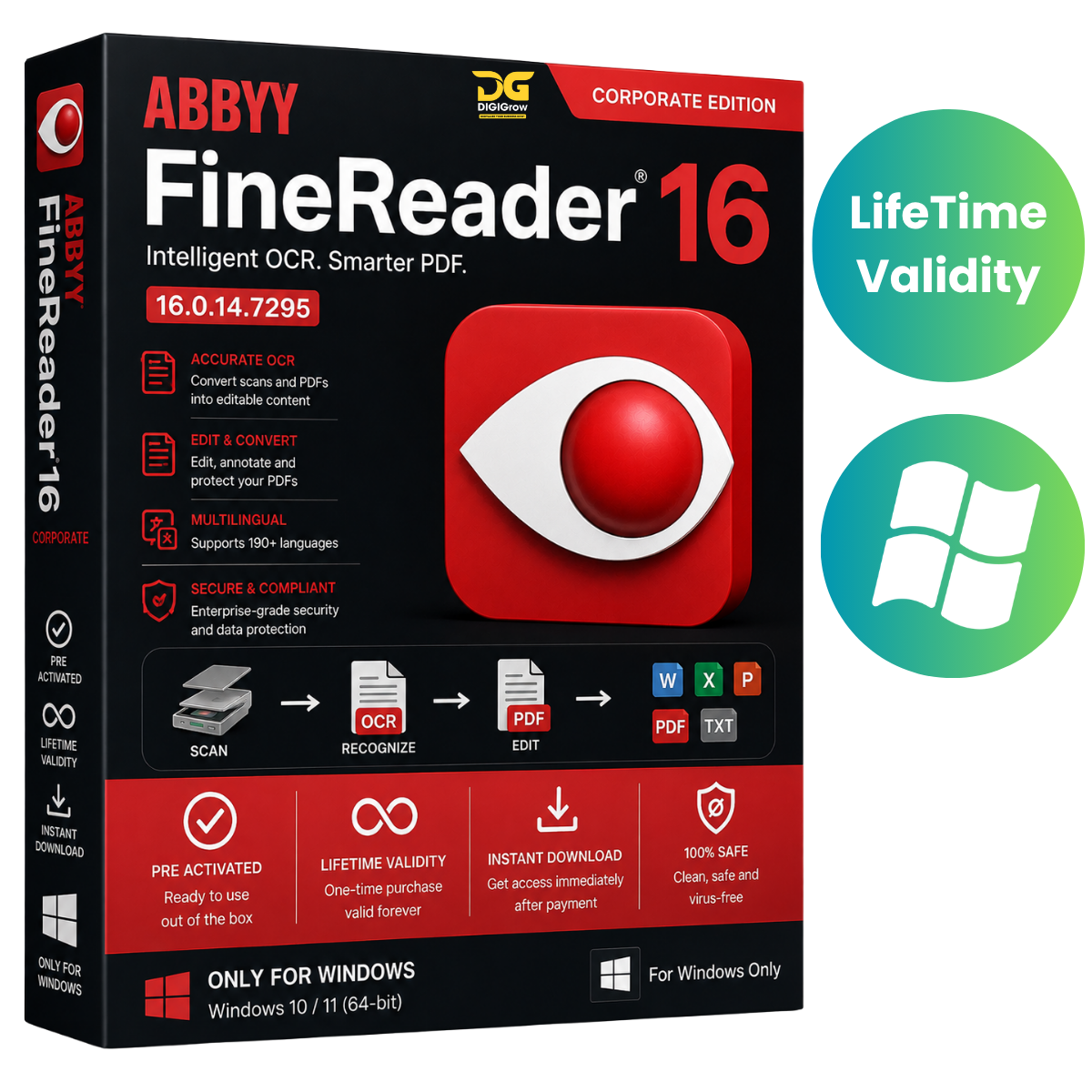
ABBYY FineReader PDF 16 Corporate – Professional PDF & Document Management
ABBYY FineReader PDF 16 Corporate is a comprehensive PDF and document digitization solution designed for businesses and professional users. Work with digital and scanned documents, edit PDF files, convert documents into editable formats, compare versions, collaborate with colleagues, and organize important business information from one convenient application.
Why Choose DIGIGrow?
- Easy to Install
- Instant Delivery
- 24×7 Live Support
- 100% Money-Back Guarantee — subject to our refund policy
- Installation Video Guide Included
- Professional Document & PDF Tools
- PDF Creation, Editing & Conversion
Complete PDF Management
FineReader PDF provides a versatile environment for viewing, editing, searching, commenting, collaborating, signing, and organizing PDF documents.
Navigate documents easily with intuitive viewing tools, zoom controls, page navigation, and single- or dual-page viewing modes.
Convert Scanned Documents with OCR
Turn scanned documents and images into searchable and editable content using ABBYY’s Optical Character Recognition (OCR) technology.
Extract text, tables, and images while retaining document structure and formatting, then export your content into commonly used formats such as Microsoft Word and Excel.
Advanced PDF Editing
Make changes directly within your PDF documents without having to recreate the entire file.
You can:
- Add, edit, or remove text
- Insert and modify images
- Resize and reposition content
- Rotate pages
- Add or remove pages
- Replace pages
- Insert blank pages
- Organize document content
Create Professional PDFs
Create PDF documents from different sources, including Microsoft Office applications and Windows Explorer.
You can also create new PDF files by combining selected pages and content from existing documents.
Combine Multiple Files
Bring information together from different file formats and create a single PDF document.
Combine files such as:
- PDF documents
- Microsoft Word files
- Excel spreadsheets
- PowerPoint presentations
- Other supported document formats
This makes it easier to organize reports, presentations, business records, and other document collections.
Compare Documents
Compare different versions of documents—even when they are saved in different file formats.
Identify changes and discrepancies quickly, making document review easier for teams working with multiple revisions.
Bookmarks & Attachments
Improve document navigation with bookmarks that help users quickly jump to important sections.
Manage PDF attachments by viewing, adding, renaming, removing, and saving attached files directly within the document environment.
Extract Text, Tables & Images
Extract useful information from documents while preserving important formatting.
FineReader PDF can help you copy and reuse:
- Text
- Tables
- Images
- Structured document content
This is particularly useful when working with scanned documents and archived paperwork.
Forms & Interactive Documents
Work with different types of forms and documents, including business forms and applications.
Add information to supported interactive or non-interactive forms, prepare documents for printing, or share completed files electronically.
Comments & Collaboration
Make document review easier with annotation and commenting tools.
Add comments and markups to PDF documents so colleagues can review information, provide feedback, and follow document discussions more efficiently.
Bates Numbering & Stamps
Add professional document identifiers using Bates numbering and customized stamps.
Use text, dates, timestamps, or visual elements to identify and organize documents during business workflows.
Search & Highlight
Find specific words and phrases quickly using PDF search tools.
Highlight, underline, or strikethrough important content and add comments to make document reviews easier.
PDF Security
Protect sensitive documents with password-based security controls designed to restrict unauthorized access, editing, or printing.
Security options can help businesses maintain greater control over important PDF files.
Digital Signatures
Add digital signatures to supported PDF documents and help verify document authenticity and integrity.
You can also use handwritten signatures as images and save commonly used signature elements for future documents.
Ideal for Business & Professional Workflows
ABBYY FineReader PDF 16 Corporate can be useful for:
- Offices and businesses
- Document management
- Legal and administrative teams
- Accounting departments
- Education and research
- PDF editing and conversion
- Document digitization
- Scanned document processing
- Collaborative document review
- Business archiving
System Requirements
Operating System:
Windows 7 / 8 / 10 / 11 — 64-bit
Microsoft Office:
Microsoft Office 2010 or later is required for some PDF creation features.
Storage:
At least 2 GB of available hard-disk space.
For the best experience, ensure your system has sufficient memory and processing power for large or complex document projects.
Easy Installation with DIGIGrow
Getting started is simple. DIGIGrow provides an installation video guide to help you through the setup process.
Need assistance? Our 24×7 live support team is available to help with installation and basic setup questions.
Get ABBYY FineReader PDF 16 Corporate
Take control of your PDF and document workflows with powerful tools for OCR, editing, conversion, document comparison, collaboration, security, digital signatures, and document organization.
DIGIGrow Benefits
Easy Installation • Instant Delivery • Installation Video Guide • 24×7 Live Support • Money-Back Guarantee
ABBYY FineReader PDF and ABBYY are trademarks of their respective owners. This product listing is not affiliated with or endorsed by ABBYY unless expressly stated.