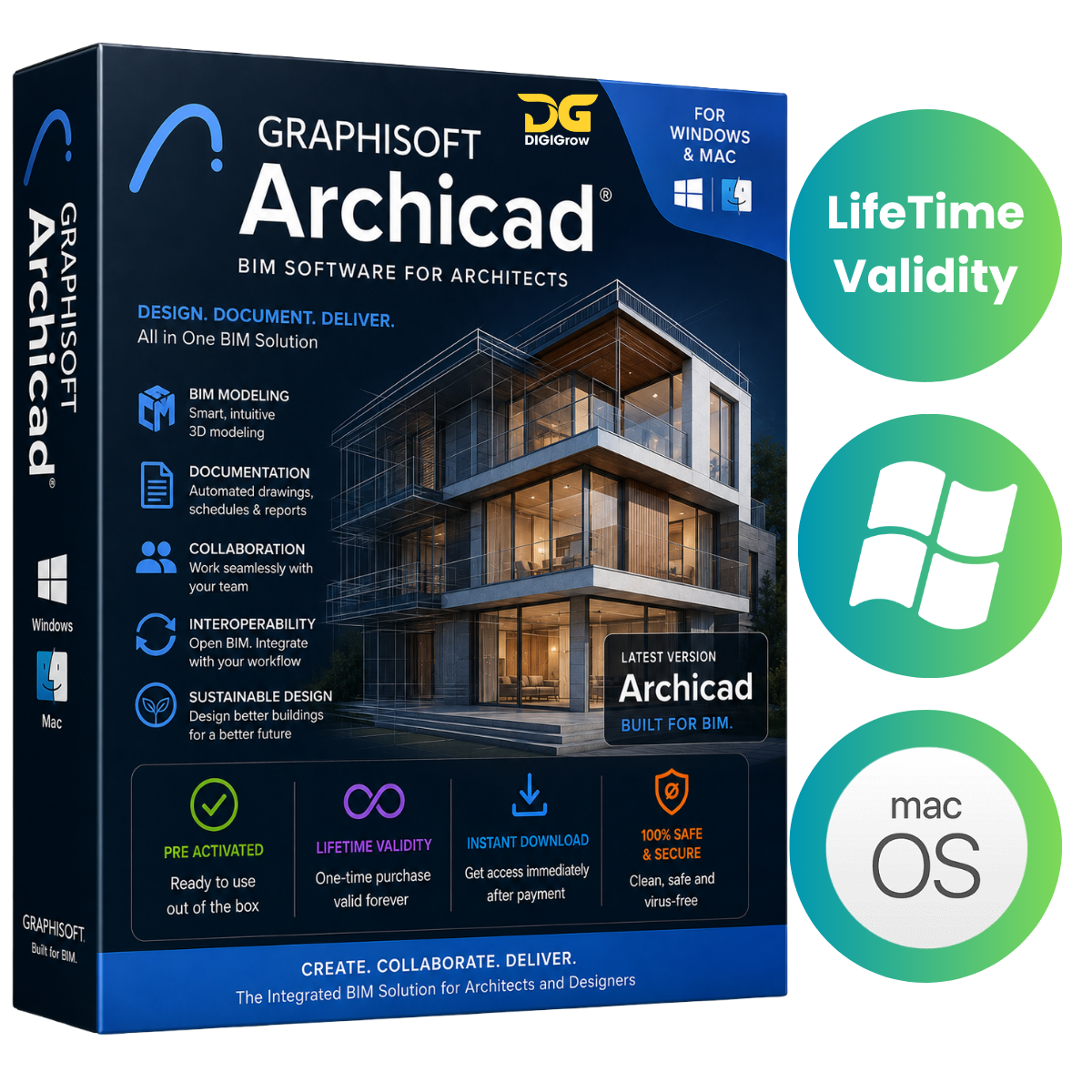

GRAPHISOFT Archicad 29.2.1 Build 5101 – Professional BIM & Architectural Design Software
GRAPHISOFT Archicad is a professional Building Information Modeling (BIM) solution designed for architects, engineers, interior designers, construction professionals, and design firms.
With powerful 2D drafting, 3D modeling, BIM documentation, visualization, collaboration, and project-management tools, Archicad provides an integrated environment for designing and documenting residential, commercial, and industrial projects.
Available for Windows & macOS
Get a professional BIM workflow for your preferred platform:
- Windows: Archicad 29.2.1 Build 5101
- macOS: Archicad 29 series
- Compatible with modern Windows and macOS systems
- Supports Intel and Apple Silicon Macs where applicable
Why Choose DIGIGrow?
- Easy to Install
- Instant Delivery
- 24×7 Live Support
- 100% Money-Back Guarantee — subject to our refund policy
- Installation Guidance Included
- Windows & macOS Options
Professional BIM Design
Archicad combines intelligent BIM modeling with advanced 2D and 3D design capabilities, allowing you to develop a project from the initial concept through detailed documentation and construction planning.
Key Features
- Create intelligent BIM models for residential and commercial buildings
- Develop detailed architectural plans using 2D and 3D tools
- Generate construction documentation from BIM models
- Create detailed parametric building components
- Produce professional architectural visualizations
- Manage multidisciplinary BIM projects
- Generate accurate project quantities and documentation
- Work with industry-standard file formats
- Support collaborative BIM workflows
- Improve productivity with automated documentation tools
Advanced Architectural Workflow
Archicad helps architects manage multiple stages of a project from a single integrated BIM environment.
Concept to Construction
Develop your design from early concepts into detailed 3D models, drawings, schedules, layouts, and construction documentation while maintaining consistency throughout the project.
Intelligent BIM Modeling
Build detailed digital representations of buildings using intelligent architectural elements and parametric components.
Construction Documentation
Create plans, elevations, sections, details, schedules, annotations, and other documentation directly from your BIM model.
Visualization
Create professional presentations and architectural views to communicate design concepts and project details more effectively.
Collaboration & Interoperability
Archicad supports multidisciplinary workflows and provides compatibility with widely used industry formats including:
- IFC
- DWG
- DXF
- BCF
- XLS
- Other supported industry-standard formats
Archicad 29 – Version Highlights
The Archicad 29 generation focuses on improving the overall BIM workflow, project performance, documentation, collaboration, interoperability, and compatibility with modern computer hardware.
Depending on the platform and edition, improvements include:
- Enhanced BIM modeling performance
- Improved project responsiveness
- Refined documentation and annotation workflows
- Improved collaboration capabilities
- Better handling of large architectural projects
- Enhanced interoperability with external applications
- Updated compatibility with modern operating systems
- General workflow, stability, and performance improvements
Archicad for macOS
Archicad provides a dedicated workflow for Mac users and supports both Intel-based and Apple Silicon systems, depending on the supported version.
macOS Features
- Native Survey Point workflow
- Revit interoperability
- Solibri connection
- Rhino interoperability
- Polygonal openings
- Improved 2D/3D workflow
- Surface texture display in sections and elevations
- Advanced graphic override options
- Improved visualization controls
- Support for OPEN BIM workflows
Designed for AEC Professionals
Archicad is suitable for a wide range of professional applications, including:
- Residential Architecture
- Commercial Buildings
- Industrial Projects
- Interior Design
- Urban Planning
- Construction Documentation
- Architectural Visualization
- Multidisciplinary BIM Collaboration
System Requirements
Windows
For the best experience, use a modern supported version of Windows with a compatible 64-bit processor, sufficient RAM, graphics capability, and available storage.
For large BIM projects, a more powerful processor, additional RAM, and a dedicated graphics solution are recommended.
macOS
- Operating System: macOS 10.15 or later, depending on the Archicad version
- Processor: Intel or Apple Silicon
- Adequate RAM and available storage recommended for large BIM projects
Always check the current official GRAPHISOFT/Archicad system requirements before installation, as requirements may vary by version and project size.
Easy Installation & Support
Getting started with Archicad is simple. DIGIGrow provides installation guidance to help you set up the software on your compatible Windows or Mac computer.
If you experience installation or basic setup difficulties, our 24×7 Live Support team is available to assist.
Important License Information
This listing is intended for legitimate software use and licensing. Archicad and GRAPHISOFT are trademarks of their respective owners. A valid license or authorized entitlement may be required for activation and continued use.
Get GRAPHISOFT Archicad from DIGIGrow
Bring your architectural ideas to life with a professional BIM environment built for design, modeling, documentation, visualization, and collaboration.
DIGIGrow Benefits
Easy Installation • Instant Delivery • 24×7 Live Support • Money-Back Guarantee • Installation Guidance
Available for Windows & macOS